Flickmade Claude
No camera. No editing. Flickmade writes the script, checks the facts, picks a visual for every sentence, adds the voice and the music, and hands you a finished video with thumbnails and a description.
Moments from videos made with Flickmade: counters, name tags, maps, reconstructions, drawn scenes and quote cards.
Flickmade × Claude
Claude thinks.Flickmade makes.
Documentaries, What if… Shorts and Cartoon Mix. No video limit: make as many as you want, on your own computer. Per video you only pay the AI services you connect, and Flickmade shows the estimate before it starts.
- 01Your titleone line, that's the brief
- 02Scriptwritten for this title
- 03Fact-checkwith sources, saved
- 04A visual per sentencefootage or a drawn scene
- 05VoiceAI narrator
- 06Musicper chapter
- 07Editcut, captions, maps
- 08Thumbnails + descriptionready to upload
Every video comes with its receipts.
Flickmade checks the facts in the script and keeps the sources right next to the video. So you know what you are publishing, and where it comes from.
For every video, Flickmade keeps what it checked, with the source next to it.
- 2 July 1937Amelia Earhart and navigator Fred Noonan take off from Lae, New Guinea, heading for Howland Island.source: Smithsonian National Air and Space Museum
- 2 July 1937The US Coast Guard cutter Itasca waits off Howland Island to guide them in by radio.source: US Coast Guard, Itasca radio log
- 2 July 1937Her last confirmed message: “We are on the line 157 337.” The plane is never found.source: Itasca radio log
Illustration of a fact-check · sources shortened
Real footage. Drawn scenes. One documentary.
Where a real photo or archive shot exists, Flickmade uses it. Where it doesn't, Flickmade draws the scene. Then it lays it all on one timeline, like an editor would.
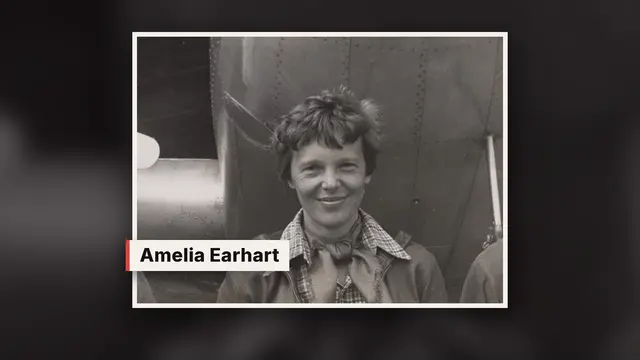
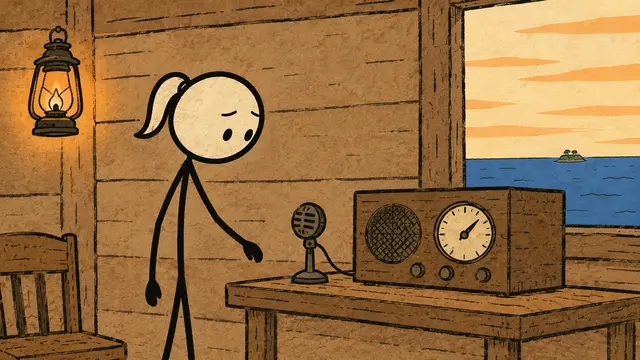
Made with Flickmade from one title.
+ Claude installs Flickmade for you, on your own computer. Windows or Mac · Claude Pro or Max needed
How it worksYou fix your video by saying what should change.
No buttons to learn, no timeline full of tracks. Spot something? Pause, type “make the opening tenser”, and get version 2.
Illustration of the studio
- 1Flickmade makes the videoScript, visuals and edit.
- 2You say what should changeIn plain words, or with a note on the timeline.
- 3Claude turns it into version 2And you watch it right away.
One title is the whole brief.
You stay in charge. Flickmade does the work in between, and Claude does the setup with you: open the folder, type “install Flickmade”, and Claude does the rest.
Type a title.
“The Disappearance of Amelia Earhart, 2 minutes.” That's the whole brief.
See the cost first.
Before anything runs, Flickmade shows what this video will cost in AI services.
Flickmade makes it.
Script with fact-check, AI narrator, real archive footage where it exists, its own drawn scenes where it doesn't, maps, music per chapter.
Watch it and leave notes.
Spot something? Pause, type “make the opening tenser”, and get version 2.
Real footage and drawn stories, side by side.
Documentaries, drawn stories and presenter-plus-visuals. Hover over a video, or tap it, and watch a few seconds.
Examples made with the engine behind Flickmade, in English. Each clip is a few seconds from a finished video.
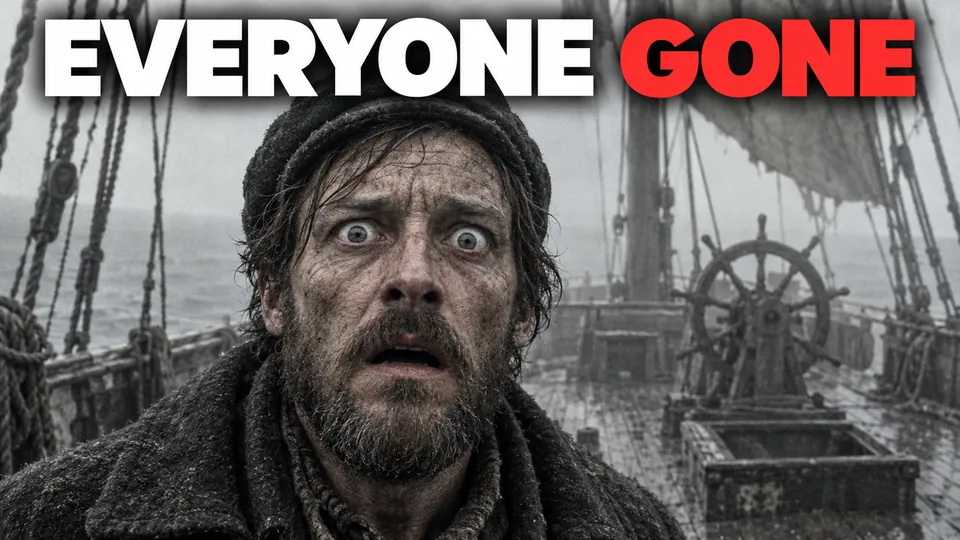
The thumbnail is part of the job.
Every video comes with thumbnail options and a ready-to-paste YouTube description with chapters and image credits. Pick the one you like, or test them against each other.
 A
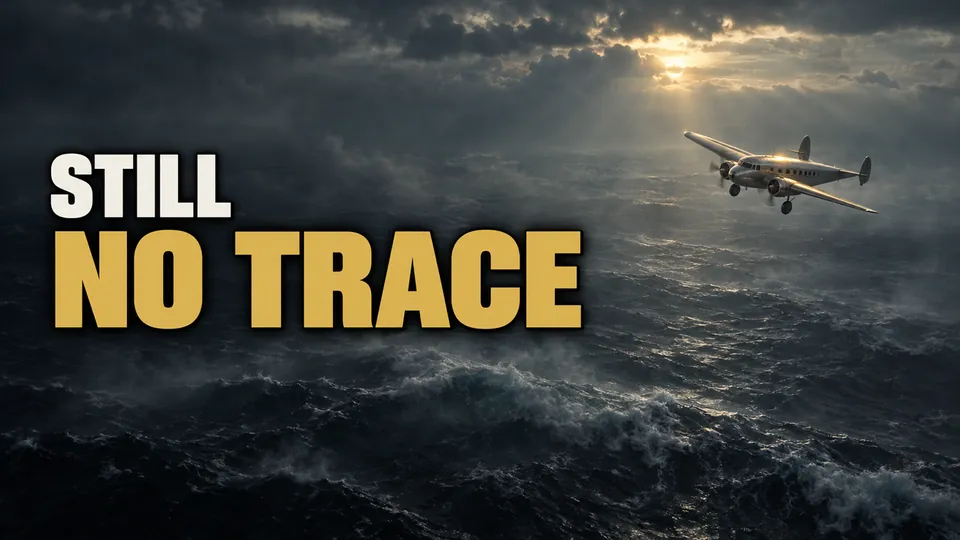 B
The Disappearance of Amelia Earhart · two options
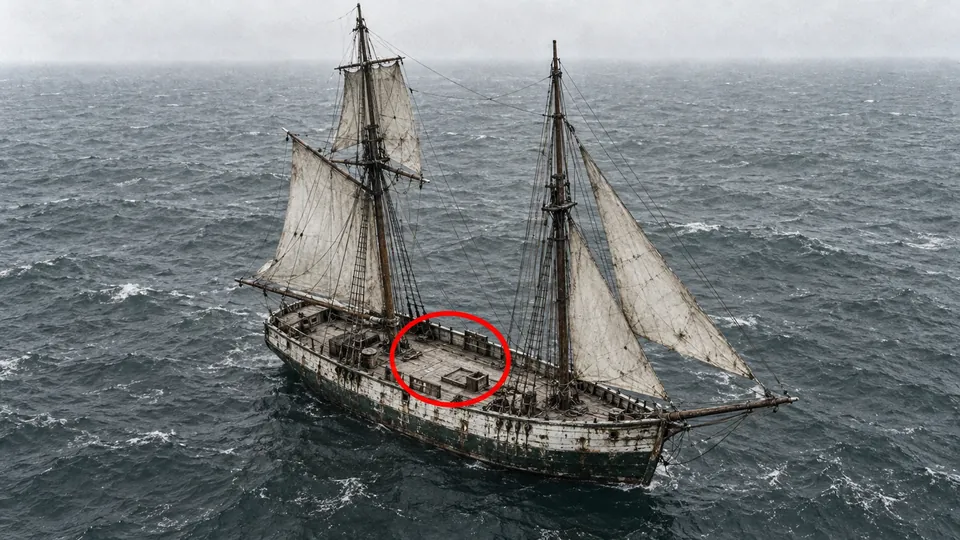 A
 B
The Mary Celeste · two options
 A
 B
The Tenerife Runway Collision · two options



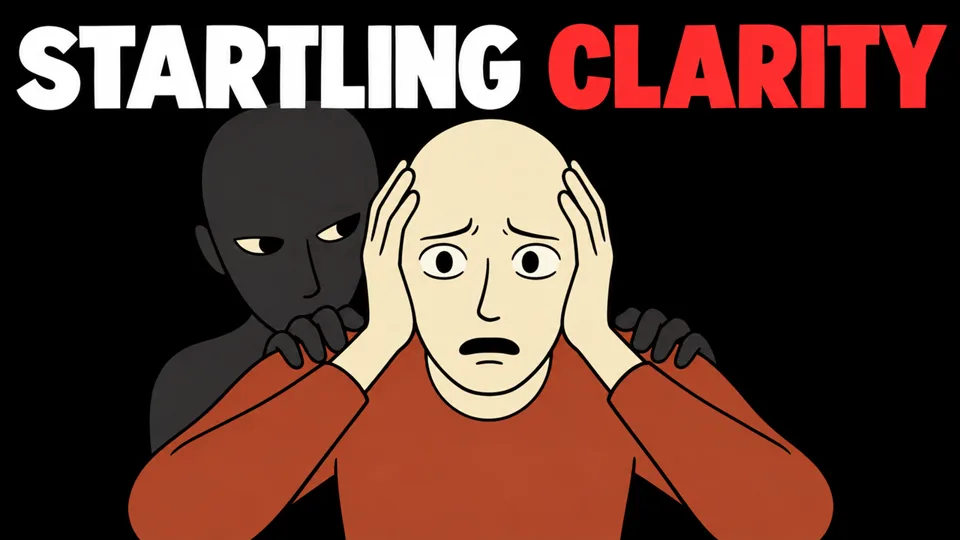
Thumbnails made with the engine behind Flickmade.
What if… Shorts
Type an idea, get a vertical 3D Short with captions, ready for Shorts, Reels and TikTok. The viewer lives the moment itself.
- 1Type an idea“What if you got caught in a rip current?”
- 2Claude builds the 3D sceneCamera angles, captions and an ending that holds up.
- 3You post the ShortVertical 9:16, for Shorts, Reels and TikTok.
Cartoon visuals with short 3D moments and on-screen cards, vertical or widescreen.
Illustration · scenes drawn in code
Everything to make the video. Nothing to edit.
One subscription, the whole studio. Your own Claude plan does the thinking; the AI services you connect do the voice and the visuals.
Flickmade Studio
On your own computer, Windows or Mac.
Long videos from one title
Documentary, presenter-plus-visuals, or a fast drawn story.
What if… Shorts
Type an idea, get a vertical 3D Short with captions, ready for Shorts, Reels and TikTok.
Cartoon Mix
Cartoon visuals with short 3D moments and on-screen cards, vertical or widescreen.
Fact-check with sources
For every video, saved next to it.
Thumbnails and description
A ready-to-paste YouTube description with chapters and image credits.
Notes on the timeline
Say what should change, get a new version.
Setup done by Claude
Open the folder, type “install Flickmade”. Claude does the rest and makes a test video with you.
A first-video guide
Step by step, in plain English.
Updates that install themselves
New styles and fixes arrive on their own.
No video limit
Make as many as you want. Your videos and channels are yours.
What it really costs.
We'd rather you know this up front.
Renews monthly until you cancel · cancel anytime · no video limit
Before you buy
$47/month · renews monthly until you cancel · cancel anytime.
EU/UK: VAT included. US: sales tax may be added at checkout.
What you need: a Windows or Mac computer, your own Claude Pro or Max plan, a free GitHub account, and accounts with the AI services you connect (their costs are not included; Flickmade shows an estimate before every video).
Delivery: after payment you choose on your access page to get Flickmade right away. If you're in the EU, EEA or UK, getting it right away means you give up your 14-day right of withdrawal. You can also wait 14 days and keep that right.
All payments are final once Flickmade is delivered. Your statutory rights stay intact. See the Return Policy.
Sold by Faceless Bedrijf, Julianaplein 34B, 1781 HC Den Helder, the Netherlands · support@flickmade.io
Terms of Service · Return Policy · EULA · Privacy Policy
Secure checkout on Whop
| Flickmade | $47/month, renews monthly, cancel anytime. EU/UK: VAT included. Payments are final once Flickmade is delivered (downloadable software). |
|---|---|
| Claude | Your own Claude Pro or Max plan, paid to Anthropic. |
| AI services per video | You pay the services you connect directly, with no markup from us. Flickmade shows the estimate before every video, so you always know before you start. |
| Videos | No limit. |
Made for people who'd rather type than film.
For you if
- you want a faceless YouTube channel next to your job, without learning to edit
- you'd rather type than film
- you're fine with a tool that runs on your own computer, with Claude doing the setup
Not for you if
- you're looking for a get-rich-quick system or a course
- you want to edit your own camera footage
Flickmade makes videos from a title. That's it.
Questions, answered.
Something else? Mail support@flickmade.io.
Do I need to know how to edit?
No. You type a title. Flickmade does script, voice, visuals, editing, thumbnails and description.
Do I need to be technical to install it?
No. You open the folder in Claude and type "install Flickmade". Claude installs everything and explains each step. You log in, click "Yes" when your computer asks, and paste your keys for the AI services.
What do I need?
A Windows or Mac computer, a Claude Pro or Max plan, a free GitHub account, and accounts with the AI services. Flickmade helps you connect them.
What does one video cost?
Only the AI services you connect, paid directly to them. It depends on topic and length, and you always see the estimate before you start.
Is there a limit on videos?
No. Make as many as you want.
Do I own the videos?
Yes. Your videos and your channels are yours.
Will my videos get views or make money?
Nobody can promise that, and we won't. Flickmade makes the video; what your channel does with it is up to you, your niche and YouTube.
Does YouTube allow AI videos?
YouTube doesn't want mass-produced copies. Flickmade writes a new, fact-checked script for every video and picks a visual per sentence. Our tip: turn on YouTube's AI label (altered or synthetic content) when you upload.
Is there a course or community?
Not at launch. You get the tool, a step-by-step first-video guide, and Claude to help you in plain English.
Can I edit my own camera footage with it?
No. Flickmade makes videos from a title. It doesn't edit your recordings.
Can I cancel?
Yes, anytime: in your Whop account (Profile > Orders > Cancel membership), at account.flickmade.io/cancel, or by email. You won't be charged again and you keep access until the end of the period you paid for.
Refunds?
Once Flickmade is delivered, it's on your computer and we can't take it back. That's why payments are final from then on. You can cancel anytime and you won't be charged again.
In the EU, EEA or UK? After paying, you choose: get Flickmade right away (you then give up your 14-day right of withdrawal), or wait 14 days and keep it. Your statutory rights if Flickmade doesn't work as described always stay intact. Details: our Return Policy.
Not sure yet? Check what you need first: a Windows or Mac computer, a Claude Pro or Max plan and a free GitHub account.
How do I get access after paying?
You get an email with a link to your access page. Enter your GitHub username (you need a free GitHub account) and choose "Deliver now". We email you a confirmation and send your GitHub invitation to download Flickmade, plus the next steps.
Does it work on Mac?
Yes, Windows and Mac.
Last scene · Take 1
Your next video is one title away.
$47/month · cancel anytime · checkout on Whop